
Reports
Money, sales, work and team reports for any period, and your own reports built to fit.
Run a report
- Open Reports.
- Pick a report: money owed, payments, sales tax, sales by month, quote results, where work comes from, job profit, work by person, timesheets and more.
- Choose the period, like this month or year to date.
- Click Export for a spreadsheet, or Print.
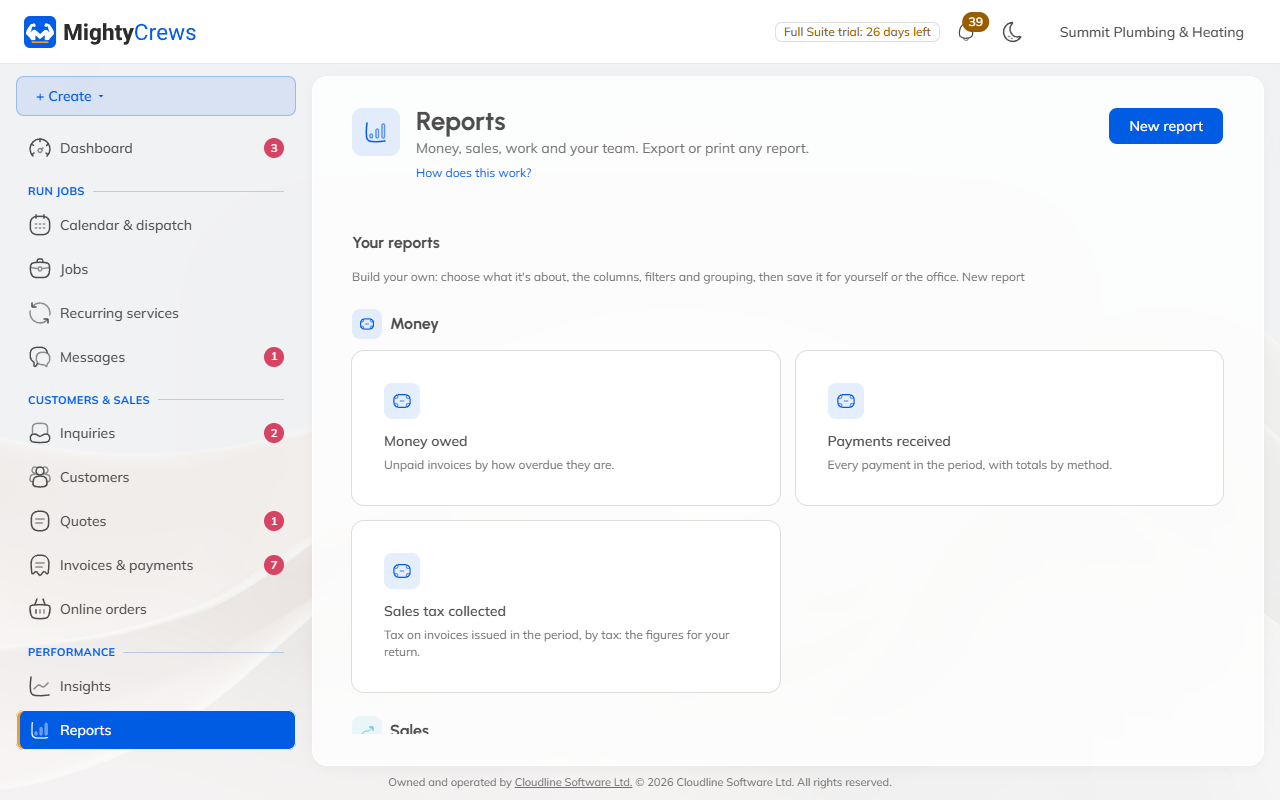
Build your own
- In Reports, click New report.
- Choose what it's about: jobs, visits, invoices, payments, quotes, customers, enquiries or time.
- Pick the columns, add filters, choose the period, and how to group and sort.
- Name it, choose just you or everyone in the office, and click Save report.
Your reports are listed under Your reports.
Insights
Open Insights for the last 12 months against the 12 before: sales, collected, average invoice, new and returning customers, best-selling services and your busiest days.
Money owed and payments received are on every plan. The other reports and building your own are on Full Suite.
Still stuck? Open Help & support in the app and write to us, or email support@mightycrews.com.