
Packages
Group items you often sell together, and add them to a quote in one click.
A package is a set of items you often quote together, like a water heater, its fittings and the labour to install it.
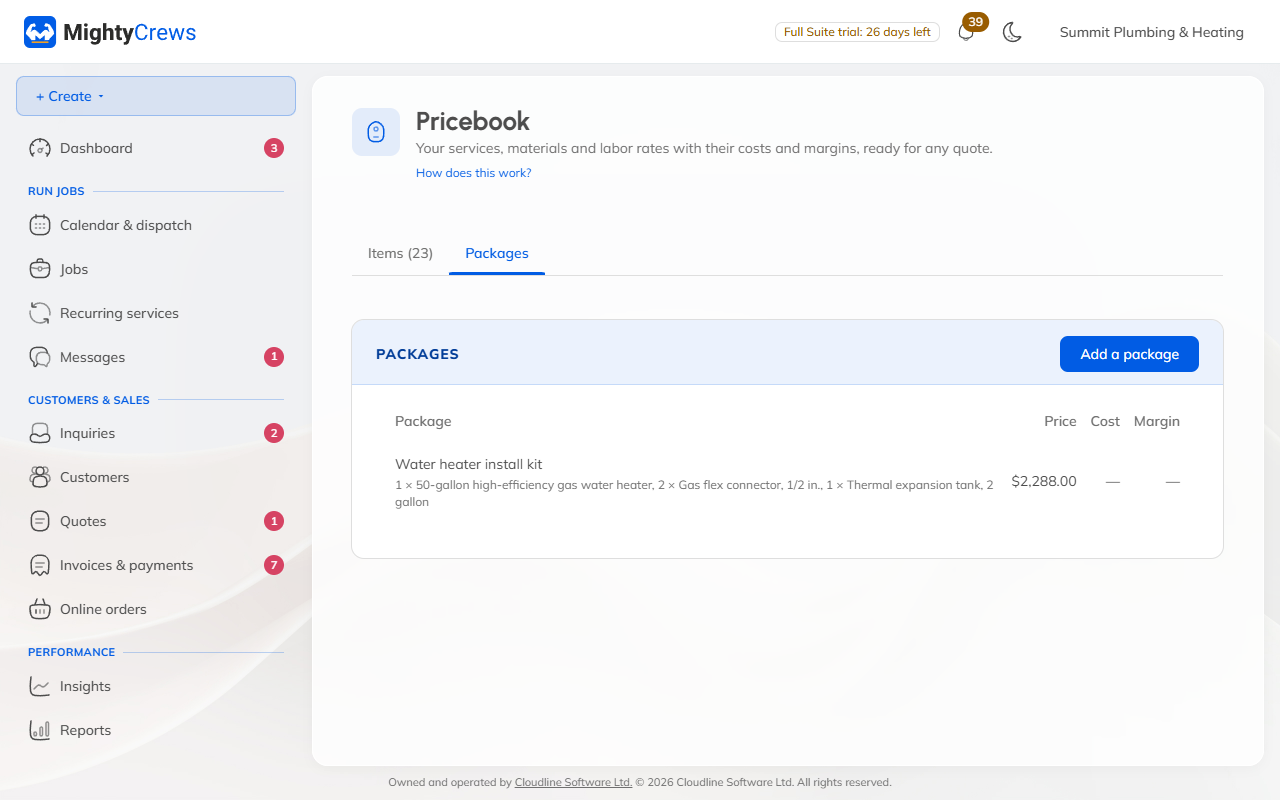
Make a package
- Open Pricebook and the Packages tab.
- Click Add a package and give it a name.
- Pick each item from your price book, with its quantity. Click Add an item for more.
- Check the price, cost and margin at the bottom, and click Add package.
Use it on a quote
In the quote, click Add a package beside Add a line, and pick it. Its items go on the quote as ordinary lines, at today's prices, so you can still change any of them.
Your crew can add packages to their quotes too.
Deleting a package doesn't change quotes that used it, and its items stay in your price book.
Still stuck? Open Help & support in the app and write to us, or email support@mightycrews.com.