
Photos, notes and materials on site
Your crew adds photos, notes and the parts they used from the price book, right from the visit.
Everything your crew adds on site lands on the job, so the office sees it straight away.
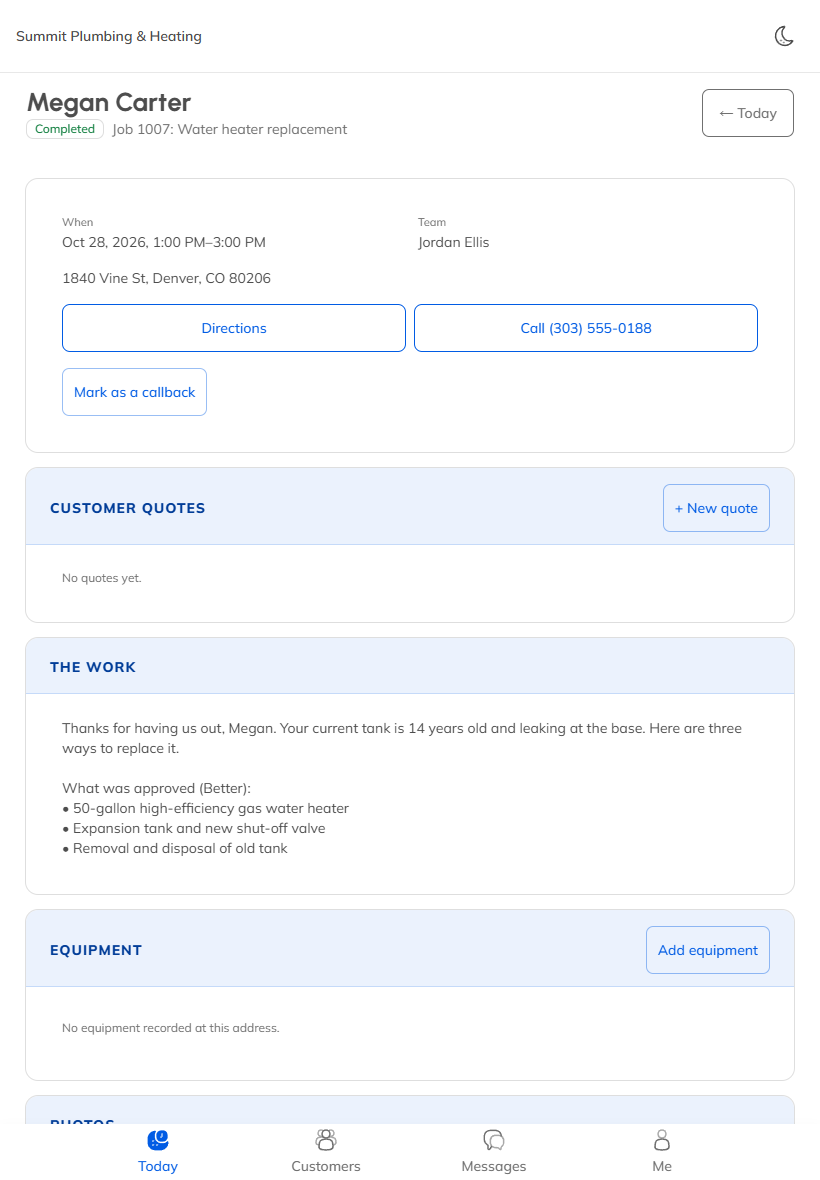
Photos
- On the visit, pick a label: Before, During, After and so on.
- Tap Add photos and take a picture or choose from the phone.
Tap a photo and choose Share with the customer to show it in their account.
Notes
Tap Add a note, type it, and tap Save note. Tick Share with the customer if they should see it too.
Materials from the price book
- Under Materials used, tap Add.
- Pick the item from your price book, or describe it.
- Set the quantity. Leave Bill the customer for this ticked to put it on the invoice.
- Tap Add.
The prices come from your price book, so the crew never has to guess.
Checklists
If the job has a checklist, it shows on the visit. Each tick saves straight away.
You decide whether your crew sees prices. Change it in Team & permissions, on the Access tab.
Still stuck? Open Help & support in the app and write to us, or email support@mightycrews.com.