
How your customer approves a quote
What your customer sees on their phone, and what happens when they approve.
Your customer doesn't need an account or an app. They open the quote from the email on any phone or computer.
What the customer does
- They tap View and approve in your email.
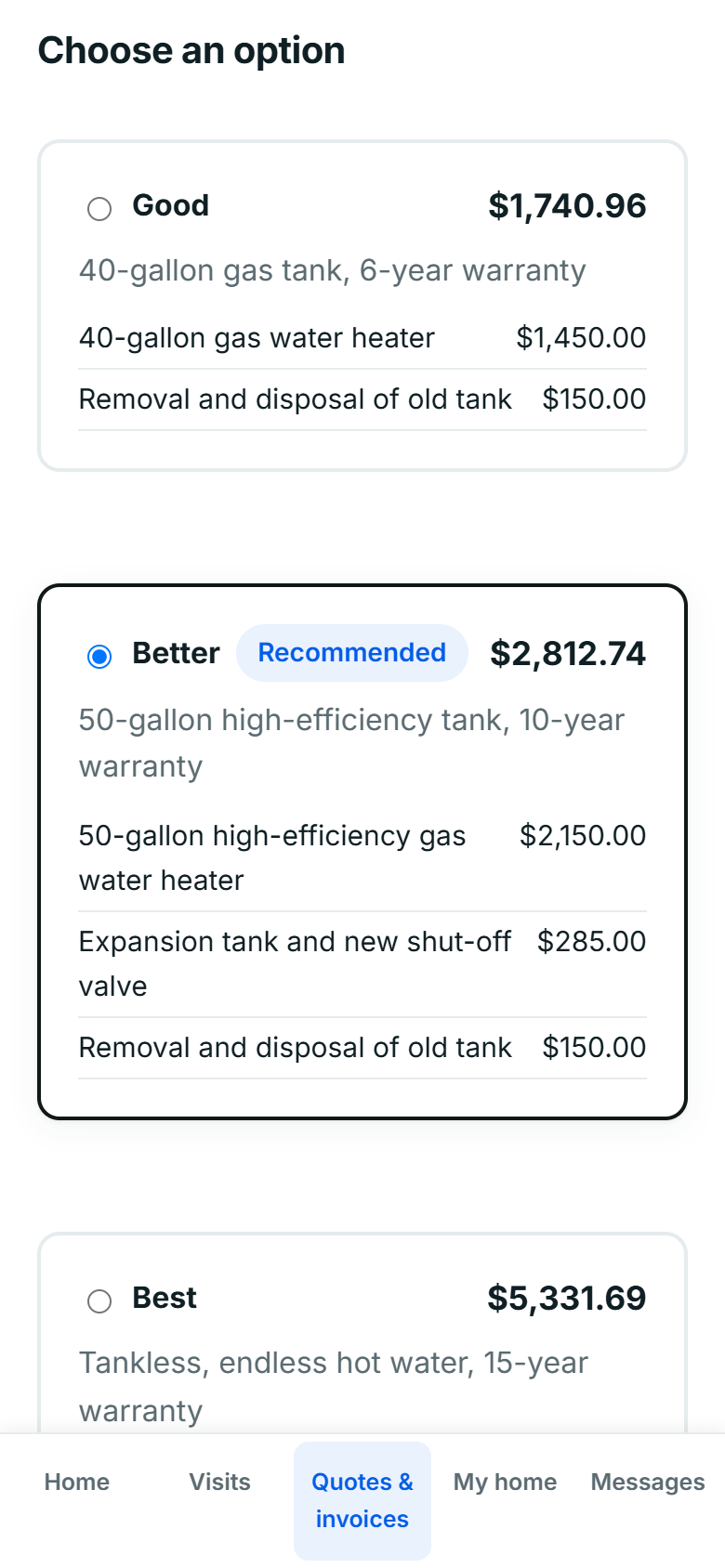
- Under Choose an option, they tap the option they want. Your recommended one is picked already.
- They tick any add-ons they'd like. The total updates as they go.
- They type their full name and tick the box to approve.
- They tap Approve quote.
If you asked for a deposit and card payments are on, they can pay it right away by card, Apple Pay or Google Pay.
What you see
You get an email that the quote was approved, with the option and add-ons they chose. The quote shows as approved, and it's in the job's activity. Next step: turn it into a job.
Approved on the phone or in person? Click Record approval on the quote to mark it approved yourself.
Still stuck? Open Help & support in the app and write to us, or email support@mightycrews.com.