
Turn a quote into a job and book it
Make an approved quote a job in one click, and book the first visit now or later.
Make it a job
- Open the approved quote.
- Click Make it a job.
- Choose Book it now to pick the date, start and end times and who's going. Or leave Schedule later to book it from the calendar.
- Click Create the job.
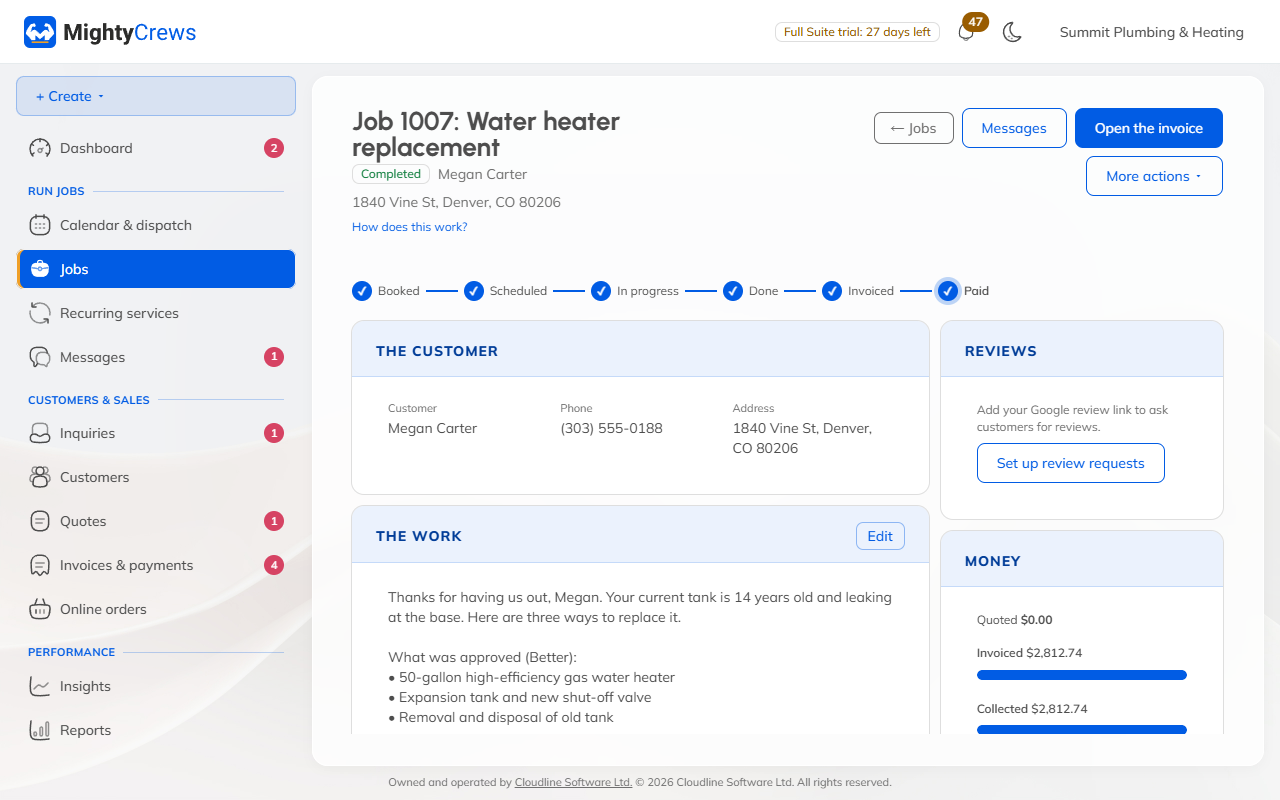
The job keeps everything from the quote: the option and add-ons the customer chose, the photos and the deposit.
Book it later
On the job, click Schedule a visit. Choose the date, times and who's going. You can also give the customer an arrival window, like 8 to 10 am. Click Save.
Or drag it on the calendar: see Calendar and dispatch.
What the customer gets
A confirmation email goes out a couple of minutes after you book, and a reminder the day before. MightyCrews never emails customers between 8 pm and 8 am.
Adding the work to a job you already have? On the quote, click More actions, then Put it on a job.
Still stuck? Open Help & support in the app and write to us, or email support@mightycrews.com.