
Memberships
Sell maintenance plans with included visits, member discounts and perks, paid monthly or yearly.
Memberships are on Full Suite.
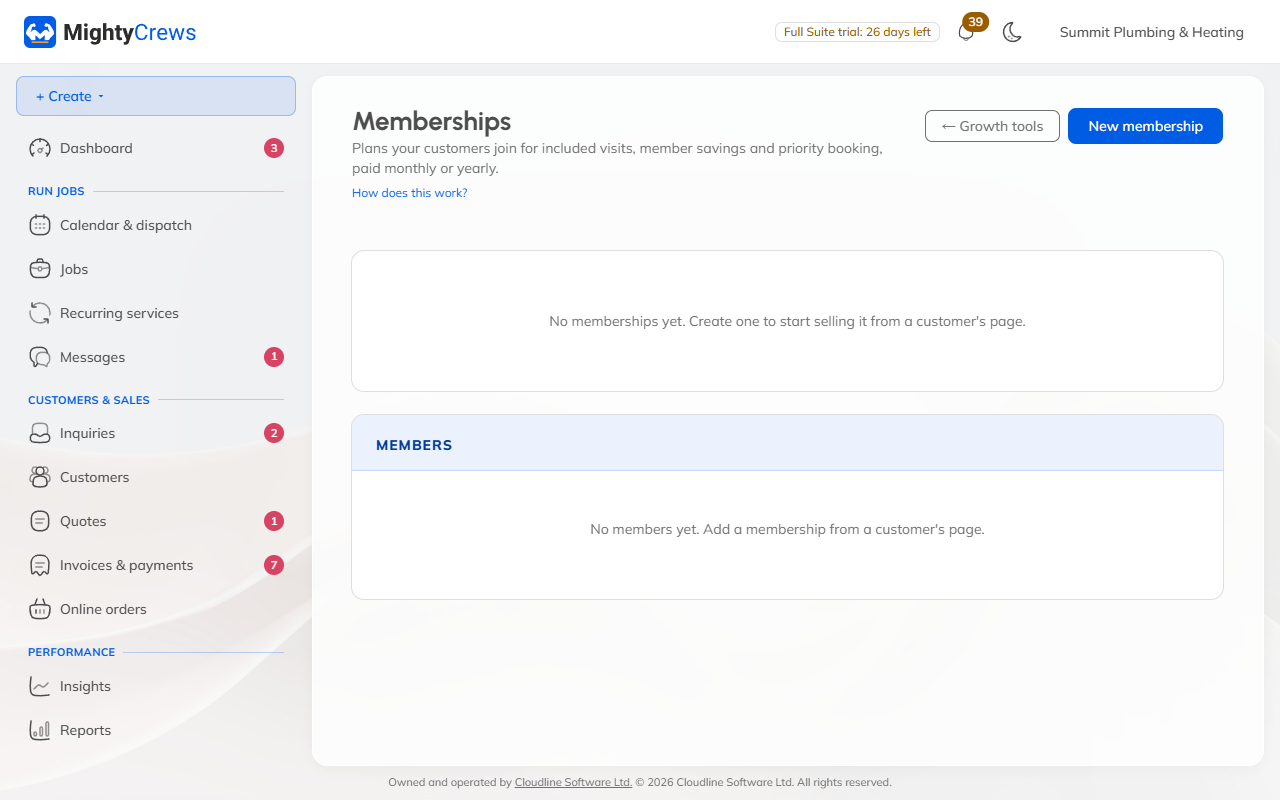
Create a membership
- Open Growth tools and click Memberships.
- Click New membership.
- Give it a name and a monthly price, a yearly price, or both.
- Add what's included: visits a year, a member discount, anything free for members, priority booking and other perks.
- Tick Sell online to let customers join from your website, and click Add membership.
Click Edit page to add a photo, your promises and common questions to its page. Share it with Copy link or QR code.
Sign up a customer
On the customer's page, under Membership:
- Add a membership to sign them up yourself, paid by their saved card, cash or cheque, or an invoice.
- Send membership offer to email them a Join button with their details filled in.
Renewals
Each month or year an invoice is made, and a saved card is paid automatically. Yearly members get a reminder 14 days before. If a payment is 14 days late, perks pause; after 60 days the membership is cancelled.
Still stuck? Open Help & support in the app and write to us, or email support@mightycrews.com.