
Website price estimators
Add an estimator to your website so visitors get a price in a minute, and you get the lead.
Make an estimator
- Open Website estimators in the menu.
- Click New estimator, give it a name, and pick a starting point for your trade.
- Go through each step: the questions, the packages, your prices, what you ask for (name, email, phone) and the look.
- Try it under Test.
- Click Publish.
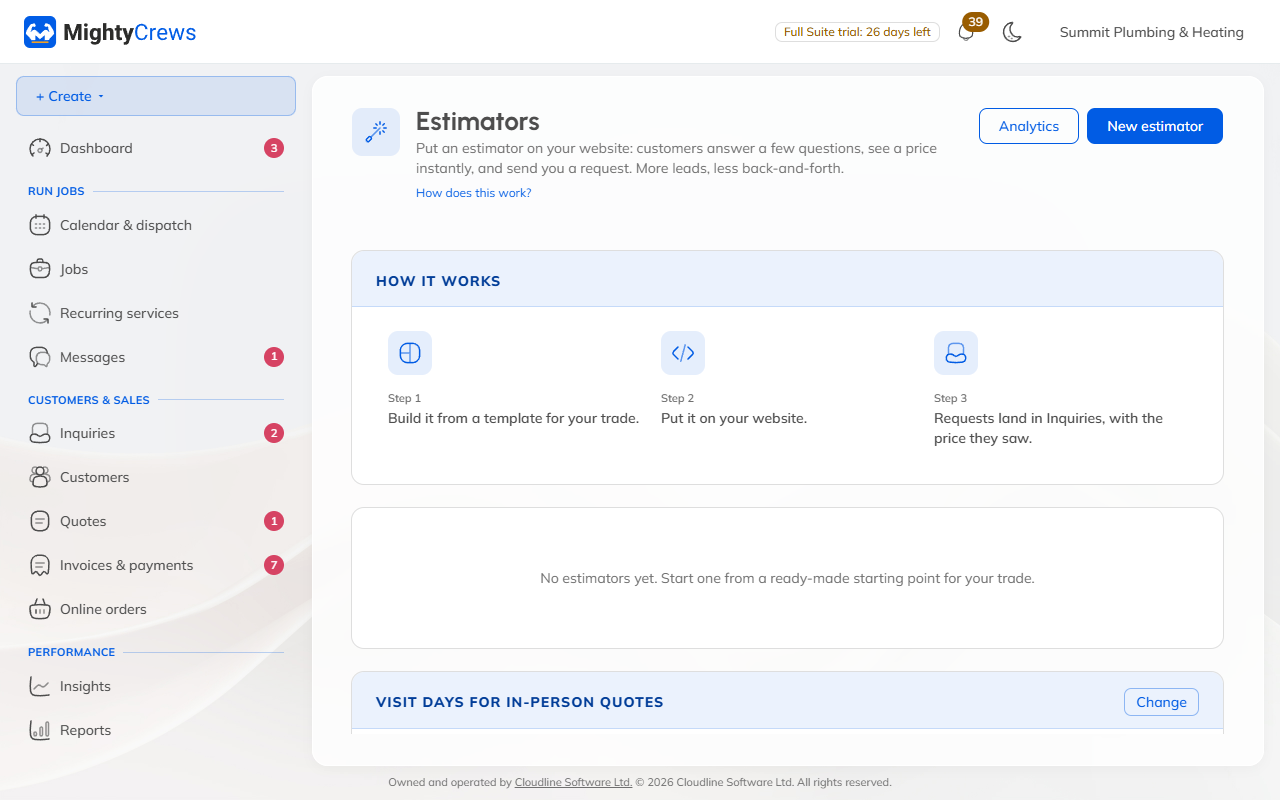
Starting points come with example prices. Put in your own before you publish.
Put it on your website
On the estimator, click Copy website code and paste it into your website. There's step-by-step help for Wix, Squarespace, GoDaddy and WordPress. Or share the direct link.
When someone asks for a price
Their request lands in Enquiries, with their answers and the price they saw. Click Make a quote to start a quote from it, or Book this visit if they asked for one.
Showing prices is on Full Suite. On Free, a published estimator works as a "Request a quote" form.
Still stuck? Open Help & support in the app and write to us, or email support@mightycrews.com.