
Your customers' accounts
Customers sign in with a code to see their visits, approve quotes, pay invoices and message you.
Every customer gets their own account, free on every plan. There's no password: they sign in with a code.
What your customers can do
- See their upcoming visits, confirm one, or ask for a different time
- Approve quotes and pay invoices, or download a yearly statement
- Save a card for autopay
- Book a visit, shop your store or join a membership, if you've turned those on
- Keep their gate code and how to get in up to date
- Message you
How they sign in
- They go to mightycrews.com/my, or tap any link in your quote or invoice emails.
- They type their email or mobile number and tap Send my code.
- They type the 6-digit code and tap Sign in.
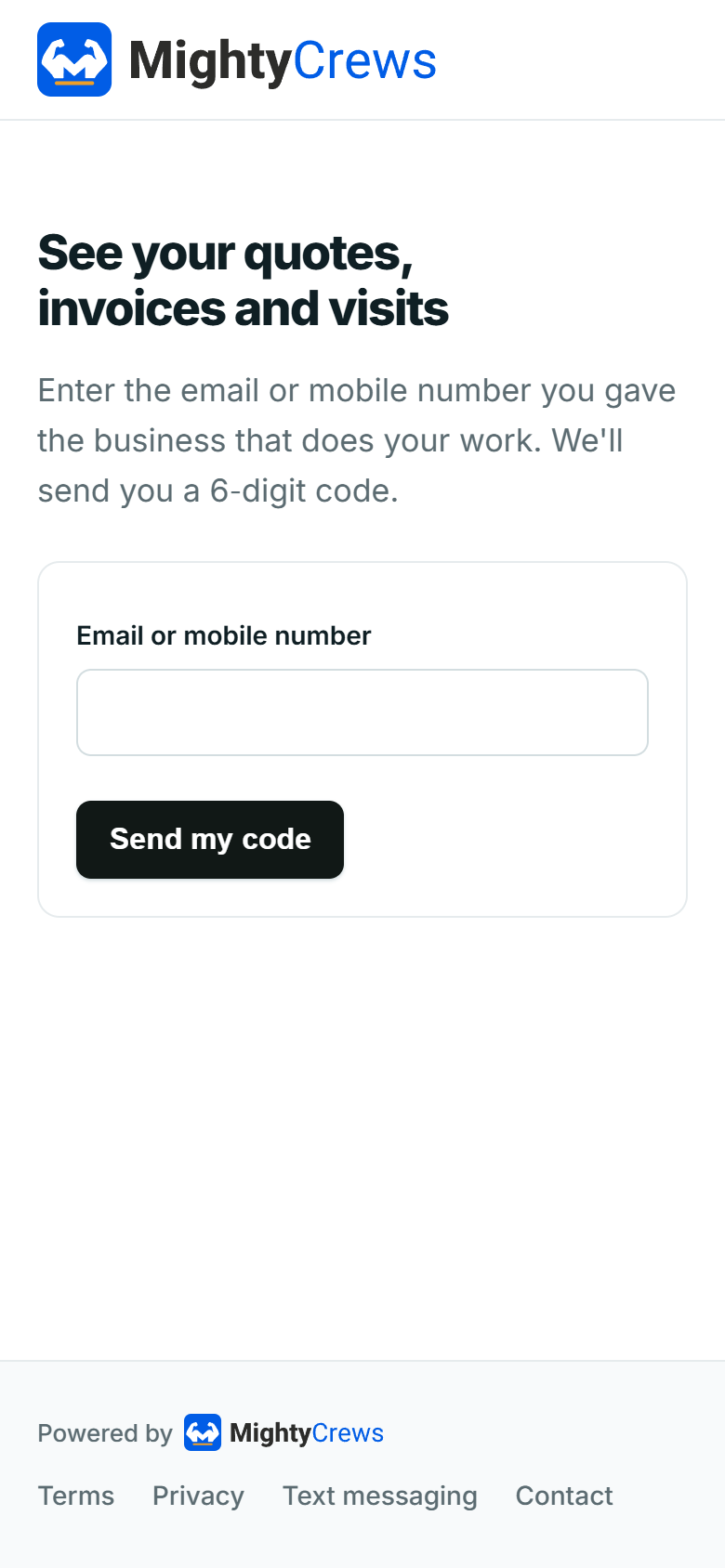
Codes go by text on Full Suite Plus, and by email otherwise. A link from your emails signs them straight in.
Invite a customer
On the customer's page, open Their account, then click Send portal invite (or Text it).
Answer their messages
New messages show in Needs a reply on your dashboard. Click Reply, or open the customer and use Reply in their account. They get an email to say you've replied.
To switch accounts off for everyone, open Settings, then Customer portal.
Still stuck? Open Help & support in the app and write to us, or email support@mightycrews.com.