
Repeat jobs and rain days
Make a job repeat weekly or monthly, invoice each visit or once a month, and move a rained-out day in one step.
Make a job repeat
- Open the job.
- Click Make this job repeat (or More actions, then Add to this job, then Make it repeat).
- Choose how often: every 1 to 12 weeks or months, on the days you want.
- Set the first visit, the time, how long it takes and who goes. Add an end date, or a season, if it has one.
- Set the price of one visit.
- Choose Invoice each visit or Monthly invoice.
- Click Start repeating.
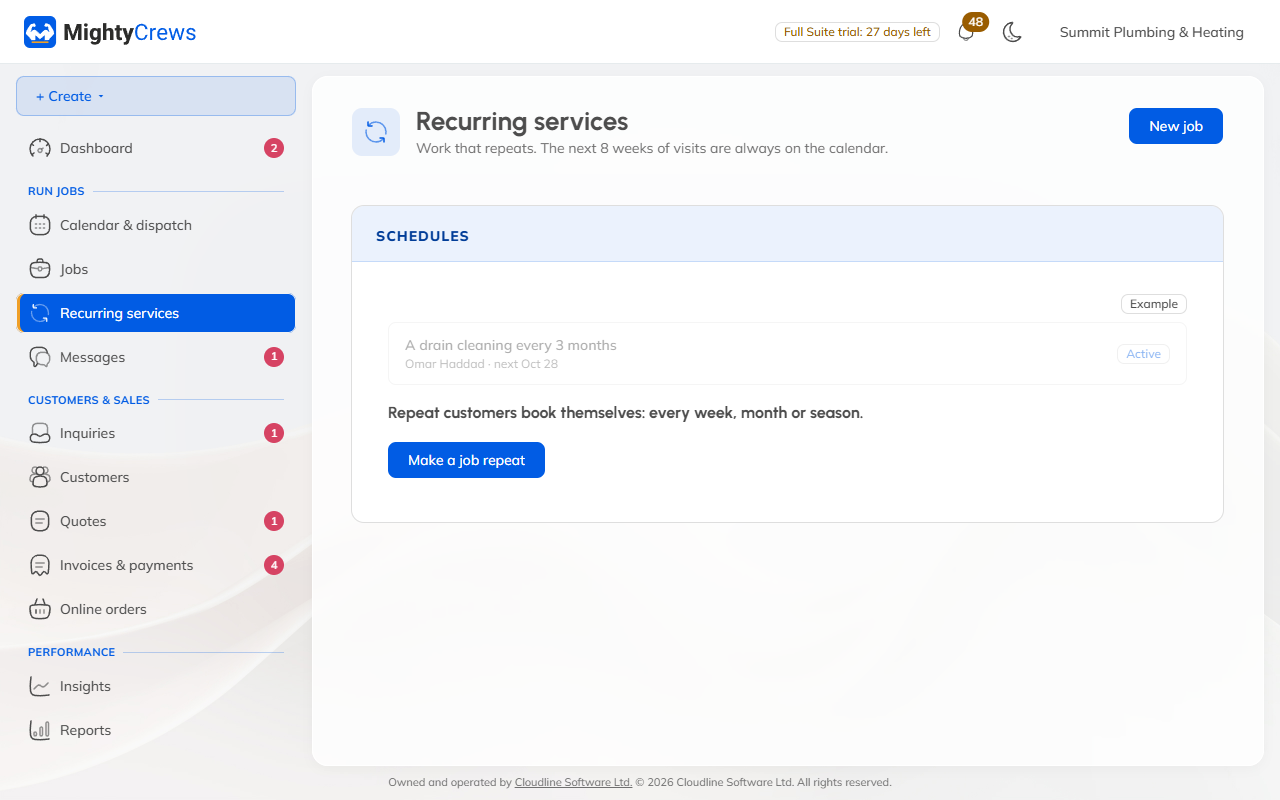
The next 8 weeks of visits go on the calendar, and more are added as time goes by. Invoices are made as drafts for you to check; they're never sent on their own.
Change, pause or end it
On the job, use Change, Pause, Resume or End. Changing one visit asks whether it's Just this visit or This and future visits. Skip this visit misses one out.
All your repeating work is listed under Recurring services in the menu.
Rain days
- Open Calendar & dispatch and click Rain day.
- Choose the day to move from, and the day to move to.
- Click Move them.
Every repeat visit that day moves, keeping its time and its people.
Repeat jobs and rain days are on Full Suite.
Still stuck? Open Help & support in the app and write to us, or email support@mightycrews.com.