
Create a job
Make a job without a quote, and book its first visit now or later.
Got a job that doesn't need a quote, like a repair or a service call? Make it straight away.
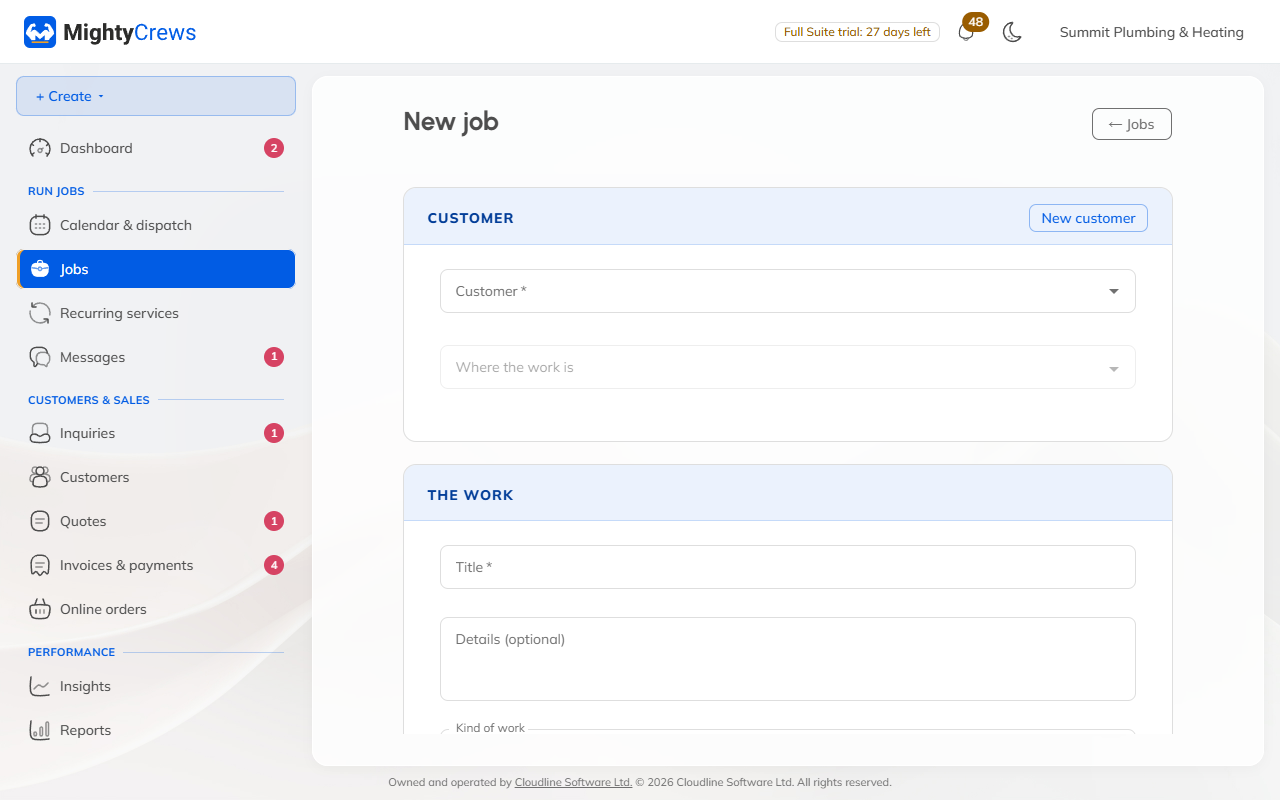
- Open Jobs and click New job.
- Pick the customer and the address, or click New customer to add them.
- Give the job a title, like "Leaking kitchen tap", and choose the kind of work.
- Under First visit, choose Book it now to pick the date, times and who's going, or Schedule later.
- Click Create job.
More visits
A job can have as many visits as it needs. On the job, click More actions, then Visits, then Add a visit. MightyCrews warns you if someone isn't working that day, but you can still book them.
Billing by the hour
Tick Bill the time and the hours your team records are put on the invoice at your hourly rate.
Coming from a quote? Use Make it a job on the approved quote instead: see Turn a quote into a job.
Still stuck? Open Help & support in the app and write to us, or email support@mightycrews.com.